The HOA management software that runs every community.
Genaya gives community association managers one platform for homeowner calls, maintenance tickets, vendor visits, board meetings, and assessment billing across every association they manage.
It works with what you already use













Price every service the same way
Keep maintenance work, common-area repairs, and homeowner items like gate remotes in one Price Book with price, cost, and a photo, so every estimate to a board quotes the same current rate, no matter who on the team builds it.
Learn more



Answer every request in seconds
Text a homeowner the moment their maintenance ticket opens, remind them before a vendor visit, and follow up when the work is marked done, so the office stops fielding "any update?" calls.
Learn moreEvery homeowner request, tracked to done
Set each association up as a property with its homes as units, and log every call or text as a maintenance ticket with the home, category, priority, and photos. Assign a team member or record the outside vendor doing the work, convert the ticket into an appointment when the repair is booked, and its status follows the visit. An emergency ticket alerts your owners, admins, and managers the moment it opens.
Learn moreTell a whole community at once
Upload each community's homeowner list as its own audience, or build one from your clients, then send the storm update, the pool notice, or the assessment reminder as an email campaign - or as an SMS campaign once your business number is registered for texting. Send it now or schedule it, see what was delivered and opened, and every unsubscribe and STOP reply is honored on its own.
Learn moreAsk every community how you did
Build a short survey once - a 0 to 10 recommend score, a star rating, a yes or no, an open question - and share its public link by text, email, or campaign after a storm cleanup or at the end of a season. Homeowners answer in the browser with nothing to install, every response lands in the Engage timeline, and the survey's card counts its views and responses. Pause it any time to stop new answers.
Learn moreEvery community walked to the same standard
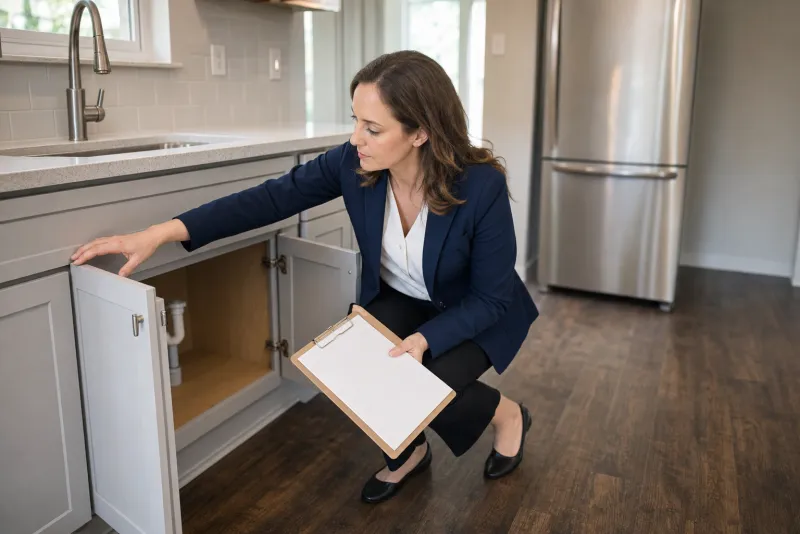
Build your common-area inspection once in E-Sign Docs - entrance, pool, ponds, paths, trees - and required fields make sure no area gets skipped. Managers snap photos from the Genaya app straight onto the appointment, and the signed report stays on the record.
Learn more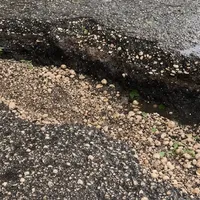

Get every repair approved in writing
Turn what the walk-through finds into one repair estimate for the board. Pull the labor and repairs from your Price Book, attach the storm photos, and the board president approves and signs it in the client portal. The approved estimate becomes the invoice without re-typing a line.
Learn more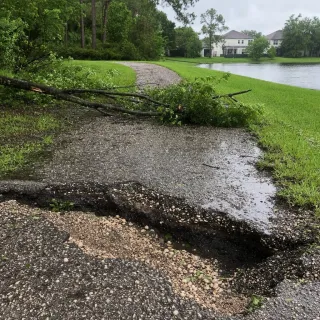
Meet the board, leave with the next steps
Hold board meetings and homeowner calls in a Genaya Room. Board members join from a link and wait in the waiting room until you let them in, and the meeting can be recorded. With Room Intelligence on, it suggests the next steps as the board talks - the follow-up visit, the next estimate, the task for the office - and one tap adds each one.
Learn more

Assessments that bill themselves
Enroll each homeowner once on a monthly or quarterly assessment plan. Every cycle creates its own invoice, then charges the card or bank account on file or emails the invoice with a pay link, and homeowners can pay from the client portal. The same plans bill each association its monthly management fee.
Learn moreRun your operation on Genaya
Try Genaya free for 14 days
No credit card needed. Bring your clients over and run your first day on Genaya.
The storm passed overnight.

One storm-cleanup day, from first ring to final dollar
Follow a single September Tuesday at a community association management company that runs on Genaya. Every moment below is the same platform and the same record - no tool switches, no re-typing.
A homeowner calls before the office opens
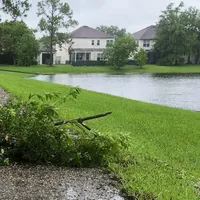
Dana at Cedar Hollow woke up to a limb down behind her house and the pond path washed out. The office opens at 9, so the AI Receptionist answers, takes down the community and the problem, and books a walk-through with her community manager.
The storm calls become tickets
Elena logs the night's calls as maintenance tickets on Cedar Hollow's property, and each homeowner gets a text the moment their ticket opens. The walk-through leads the calendar, the gate vendor keeps its 1:00, and the board meets by video at 6:30.
The walk-through finds the washout
Elena checks in at the pond path with Dana. Two limbs are down, the pond outlet is clogged, and sixty feet of path is washed out. Her photos land on the appointment from the Genaya app, and the common-area inspection report is filled in before she leaves.
The board president signs the repair
Elena builds the repair estimate from the Price Book with the storm photos attached and sends it to Cedar Hollow's board president. Martin opens it in the client portal on his lunch break, taps approve, and signs - the repair is authorized before the afternoon.
Invoice ready, paid from the portal
Approving in the portal turned the estimate into the invoice on its own - same record, same $4,270. The association pays it by card from the portal, and the maintenance crew is on the calendar for Thursday.
The review lands
Marking Dana's walk-through done sent the review request on its own, while the good news is fresh. Five stars hit your profile before dinner - nobody had to remember to ask.
The owner sees every community
The Cedar Hollow board meeting wrapped at 8:05 with its next steps already on the calendar. The dashboard shows what the day actually did - tickets closed, dollars collected, the rating - on one screen, with next quarter's assessments already scheduled.
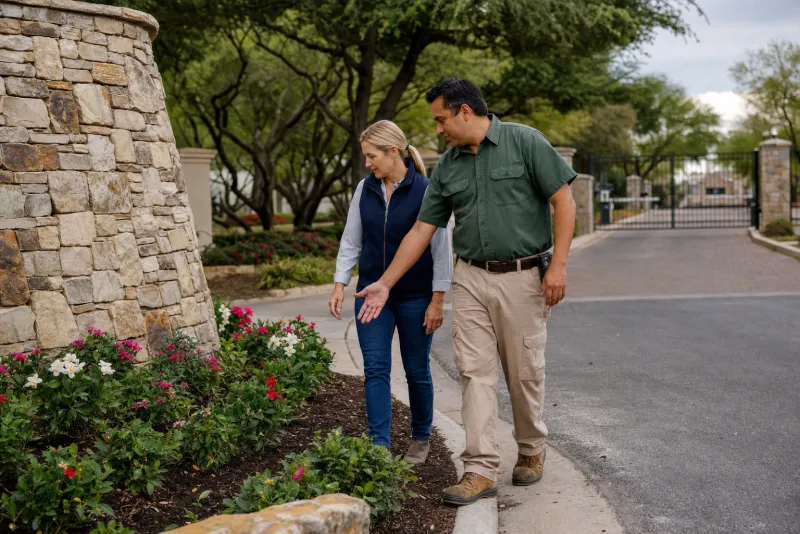
Built for the teams that keep communities running







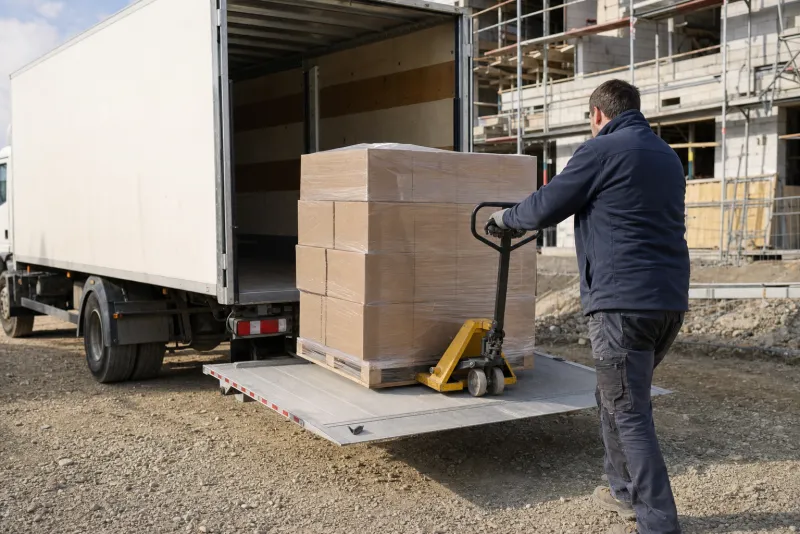





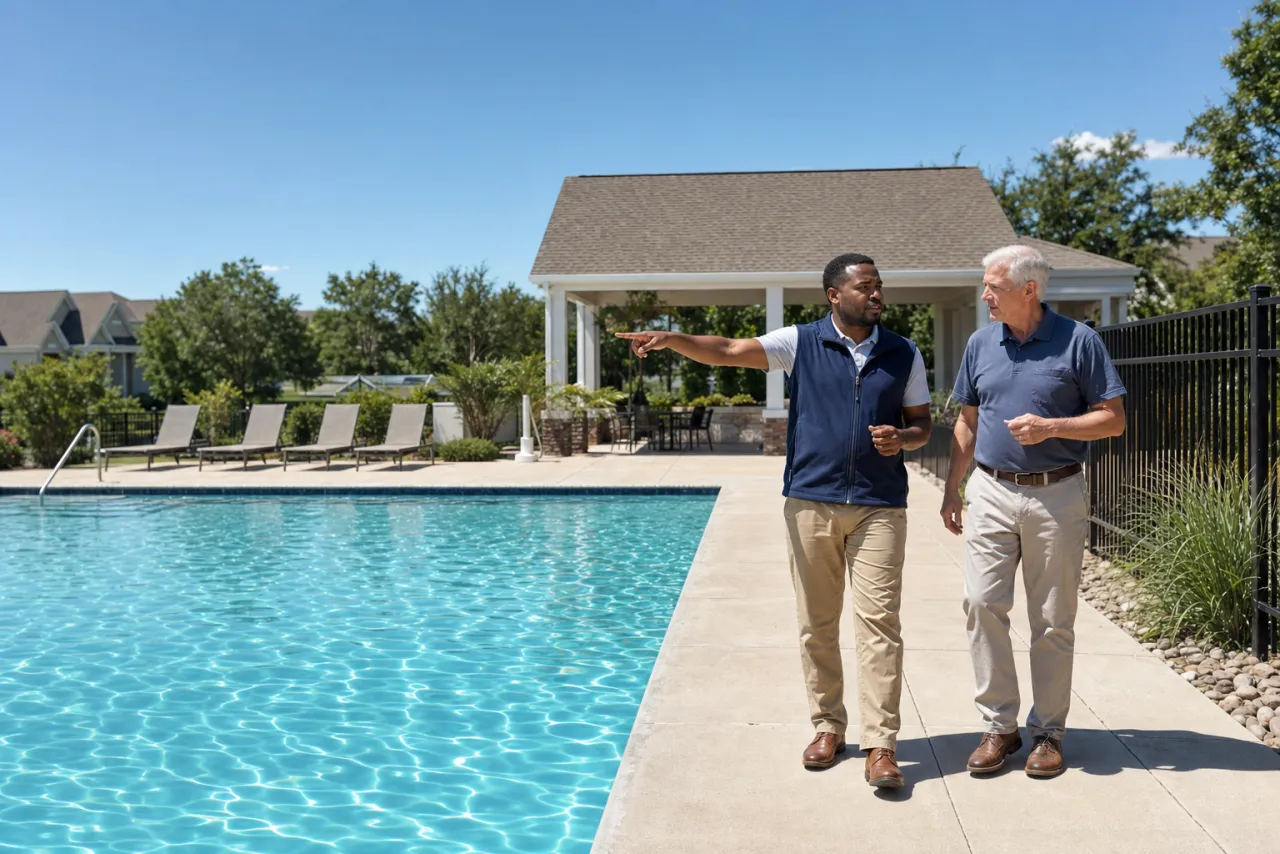
See your own day on Genaya
Book a demo and we will walk through your calls, schedule, estimates, and payments, or start free today.
HOA management questions, answered
The short version of what community association managers ask before they switch to Genaya.
Genaya runs the operations side of every community you manage in one platform: homeowner calls and texts, the AI Receptionist, maintenance tickets on each community's property record, the team calendar with vendors on the visit, inspection reports in E-Sign Docs, estimates the board signs in the client portal, invoices and payments, assessment billing, board meetings by video, announcements by email and text, automations, and reporting.
With Property Management turned on, set each association up as a property with its homes as units, and log every request as a maintenance ticket with the home, category, priority, photos, and the team member or outside vendor assigned. Convert a ticket into an appointment on the calendar and the ticket's status follows it. An emergency ticket alerts owners, admins, and managers right away, and an automation can text the homeowner the moment a ticket opens.
Yes. Enroll a homeowner on a monthly or quarterly assessment plan with your own line items. Every cycle creates its own invoice and either charges the card or bank account on file or emails the invoice with a pay link, homeowners can also pay from the client portal, and you can pause or cancel a plan at any time. GenayaPay deposits every payment to the one bank account connected to your account.
Yes. Genaya Rooms are video meetings board members join from a link, with a waiting room and optional recording. With Room Intelligence turned on, it suggests next steps from the conversation, like an appointment, an estimate, or a task, and one tap adds each one. How many people can join depends on your plan.
Yes. Calls ring your team with the caller's record on screen, and the optional AI Receptionist answers after hours or when every line is busy. It checks real availability and books the visit, takes a message for the team, or transfers the caller to a person.
Yes. Upload a community's homeowner list as its own audience, or build one from your clients, and send the pool-opening notice or a storm update as an email or SMS campaign. Unsubscribes and STOP replies are honored automatically.
No. Genaya does not keep association ledgers, budgets, or reserve funds, and it does not track violations, architectural requests, or votes, so keep your accounting system for the books. Genaya runs the work around it: homeowner calls, tickets, vendor visits, inspections, board meetings, estimates, invoices, and payments.
Yes. Genaya imports clients and contacts from CSV or Excel files and from many other business tools, so every homeowner is on the record from day one.
Your community managers do the work.Genaya handles the rest.
The AI Receptionist answers the storm-night calls, requests become tickets with the photos attached, boards approve repairs from the portal, and assessments bill themselves every quarter. One platform for the office, the communities, and everything in between.