The MSP software for every call, visit, and per-seat plan.
Genaya keeps the support line, on-site visits, site assessments, signed hardware estimates, and per-seat managed services billing on one client record, so your techs fix networks instead of chasing paperwork.
It works with what you already use













Quote hardware and labor the same way
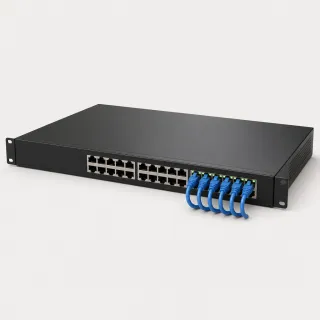
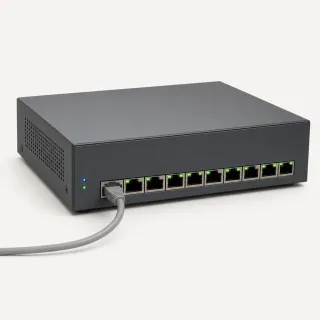
Keep switches, firewalls, workstations, labor, and your per-seat rate in one Price Book with price, cost, and a photo, so every tech quotes the same current price from the client's office.
Learn more

Keep every client in the loop
Visit reminders, estimate follow-ups, overdue-invoice nudges, and review requests go out on their own, so the office stops chasing and the techs stay on the work.
Learn moreKnow which hardware is free and which is spoken for
Turn on Track inventory for the switches, firewalls, and workstations you stock, with a count for every location - the office shelf and each tech's van. Hardware on an appointment or an open invoice is reserved, so the switch promised to one client never looks free to the next, and when the client pays, those units come off the count on their own. Anything down to five sellable units is flagged Low Stock.
Learn moreLet client staff reach you from your website
Put a chat widget on your website with your colors, business hours, and a short pre-chat form. One visitor question routes each chat before anyone types - "Something is down" to the techs, "A hardware quote" to the office - and every chat lands in the same Inbox as your calls and texts. After hours, the widget shows your away message and takes an email, or the AI Chat Receptionist add-on answers first.
Learn morePlan the cutover with the whole team
A server cutover is more than a weekend on the calendar. Give it its own environment in Tasks with the techs as members, and every step gets an owner, a priority, and a due date - the Friday backup, the staff email, the Monday walk-through. Work it as a list or drag cards across the board, and move each step to Complete as it is done.
Learn moreAssess every office to the same standard
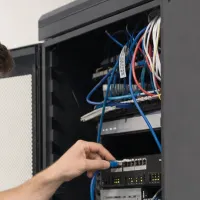
Build your site assessment once in E-Sign Docs - workstations, backups, firewall, switching - and required fields make sure no check gets skipped. Techs photograph the closet, the rack, and the cabling from the Genaya app straight onto the appointment, and the office manager signs the finished report.
Learn more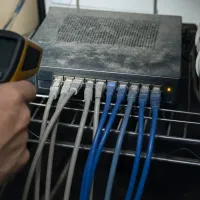
Get the fix signed on site
Turn what the assessment finds into a signed estimate before you leave the building. Pull the hardware and labor from your Price Book, keep the closet photos on the job, and let the client approve and sign on your tablet or from the client portal. The approved estimate becomes the invoice without re-typing a line.
Learn more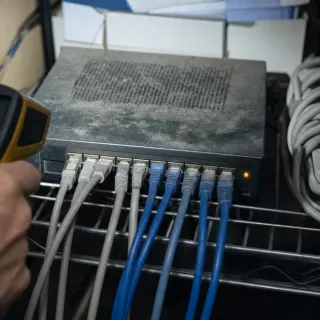
Run the weekend cutover as one job
Server installs and office moves rarely fit in one visit. Book one appointment that spans the whole cutover, keep the techs and the hardware on it, and with payment schedules turned on, let a payment schedule collect the deposit before you order equipment and charge the balance when the work is done.
Learn more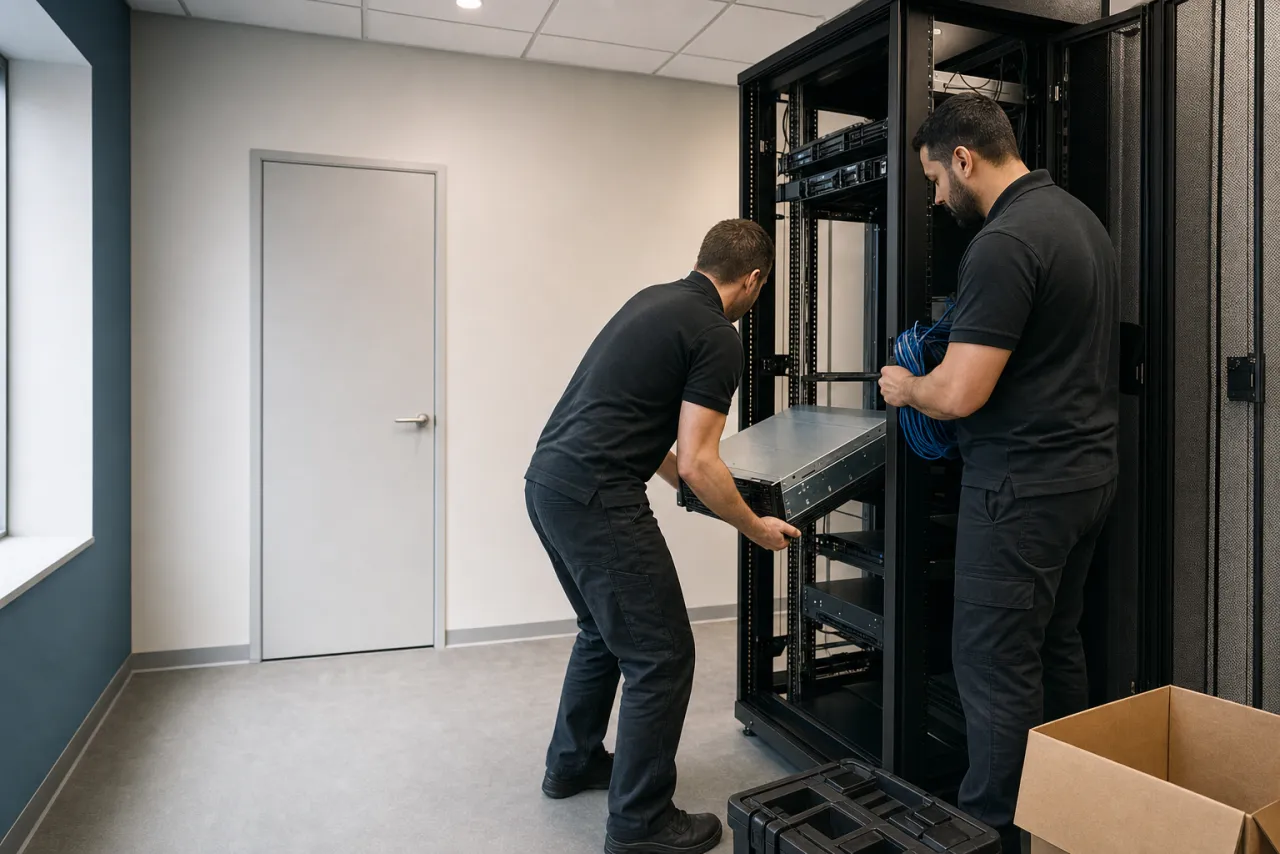
Per-seat plans that bill themselves
Enroll each client on their managed services plan once - 18 seats at your per-seat rate, billed weekly, every two weeks, monthly, quarterly, or yearly. Every cycle creates its own invoice, then charges the card or bank account on file or emails the invoice with a pay link. When a client adds seats, update the plan and the next cycle bills the new count.
Learn moreRun your operation on Genaya
Try Genaya free for 14 days
No credit card needed. Bring your clients over and run your first day on Genaya.
Monday. Every client logs in at once.

One Monday, from the first outage call to the final dollar
Follow a single Monday at an IT services company that runs on Genaya. Every moment below is the same platform and the same client record - no tool switches, no re-typing.
An outage call comes in
A dental office's front desk keeps dropping off the network forty minutes before the first patient. Genaya rings the team with the caller on screen - and with every tech already on the road, the AI receptionist answers, books the first open slot, and logs her as a new lead.
The Monday board fills
The day's visits drop onto the board. The 7:48 outage call slots in first at 9:00, Jon keeps his workstation setup at the law firm, and every tech sees the same day on the phone before they head out.
The assessment finds the culprit
Ana checks in at the front desk and follows the cabling back to a supply closet. The small switch that feeds the front desk is caked in dust and running hot, and the firewall beside it is past end of support. The closet photos land on the appointment as she takes them.
The fix becomes an estimate
Ana builds the estimate at the front desk from the Price Book - a managed switch, a new firewall, and the install labor - with the closet photos right there. Renee sees the dusty switch for herself, taps approve, and signs with a finger between patients.
Invoice out, paid in minutes
The approved estimate becomes the invoice with one tap - same record, same amount. The pay link lands by text, Renee pays by card, and Ana swaps in the new switch from the van before the afternoon patients arrive.
The review lands
Marking the visit done sent the review request on its own, while the front desk still remembers the morning. Five stars hit your profile before the office closes - nobody had to remember to ask.
The owner sees the whole day
Laptops closed. The dashboard shows what Monday actually did - every visit, estimate, dollar, and rating on one screen, with Saturday's server install and its deposit already on the books.
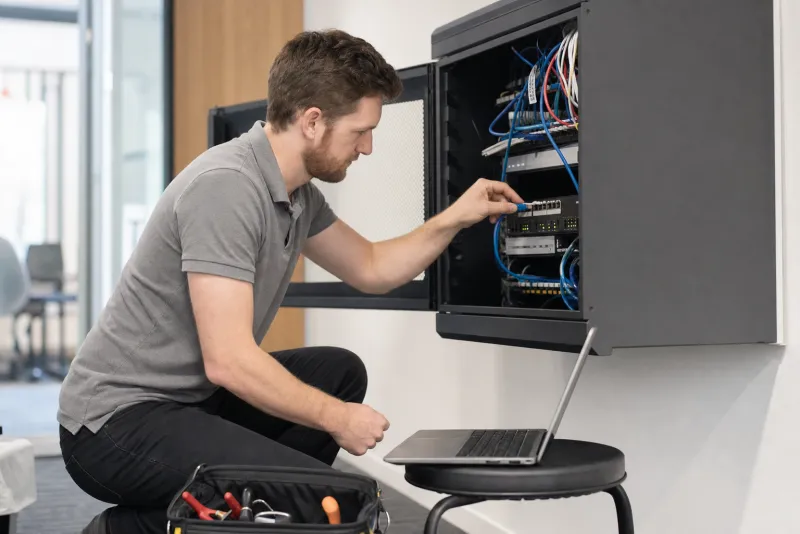
Built for the teams that keep offices running
















See your own day on Genaya
Book a demo and we will walk through your calls, schedule, estimates, and payments, or start free today.
IT services questions, answered
The short version of what MSP and IT consulting owners ask before they switch to Genaya.
Genaya runs the business around the work in one platform: the support line and texts, the visit calendar and dispatch board, site assessments, estimates and invoices, per-seat managed services billing, payments, automations, and reporting. The first call, the closet photos, the signed estimate, and every monthly invoice stay on the same client record.
Yes. Enroll a client on a plan with your own line items, like 18 seats at your per-seat rate, billed weekly, every two weeks, monthly, quarterly, or yearly. Every cycle creates its own invoice and either charges the card or bank account on file or emails the invoice with a pay link. When a client adds seats, update the plan and the next cycle bills the new count, and you can pause or cancel a plan at any time.
Yes. Calls ring your team with the caller's record on screen, and the optional AI Receptionist answers when nobody can. It checks real availability on your calendar and books the visit, or takes a message or captures the lead for the office to call back.
Yes. Build your site assessment once in E-Sign Docs with required fields and attach it to the appointment. Techs take photos of the closet and the cabling from the Genaya mobile app straight onto the appointment, and the client signs the finished report.
Build the estimate from your Price Book - switches, firewalls, workstations, and labor - and the client approves it with a signature, on your tablet or from the client portal. An approved estimate becomes the invoice without re-typing a line.
Yes, with payment schedules turned on. Put a payment schedule on the appointment: a deposit up front, payments due on a date, and a final payment due when the appointment is done. A payment tied to a saved card or bank account can be charged automatically when it comes due.
No. Genaya does not monitor devices or take remote control of a computer, so keep your monitoring and remote-access tools for that. Genaya runs the business around the work: the support line, the visit calendar, estimates, invoices, and managed services billing. Follow-ups can live as tasks with an owner and a due date, and a Genaya Room lets a client share their screen with you on a video call.
Yes. Genaya imports clients from CSV or Excel files and from many other business tools, so you do not start from an empty book.
Your techs do the work.Genaya handles the rest.
The AI Receptionist answers while every tech is on site, estimates get signed before you pack up, and per-seat plans bill themselves every month. One platform for the office, the road, and the server closet.