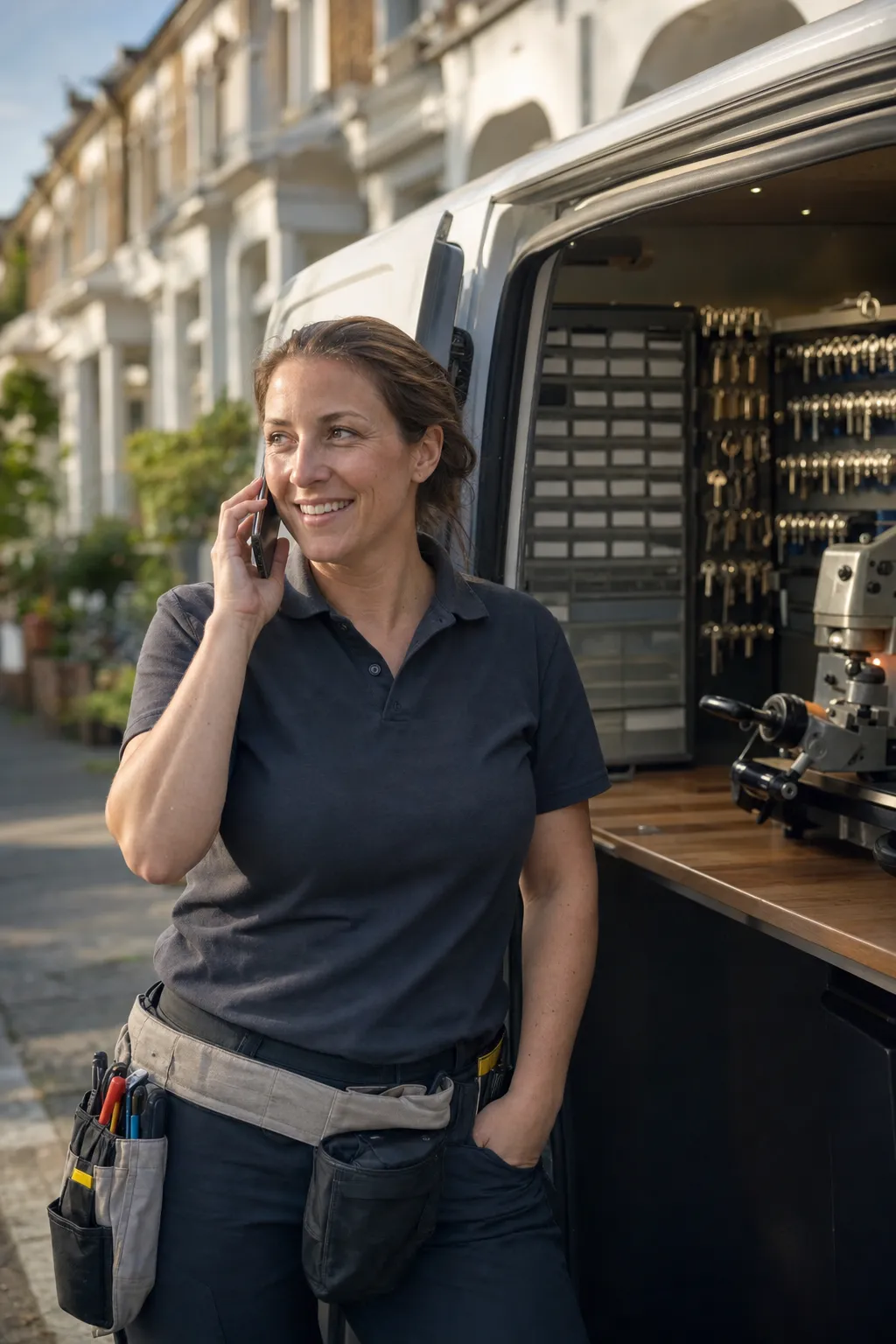
The locksmith software that runs every lockout.
Genaya combines call answering, dispatch, job tracking, estimates, invoices, and payments so locksmith companies can win the lockout call, dispatch the nearest van, and collect at the door without juggling tools.
It works with what you already use













Protect your profits
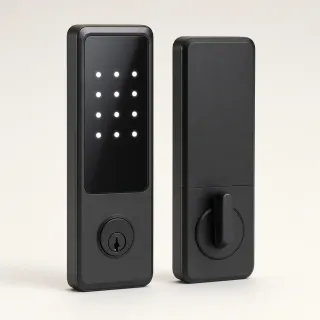
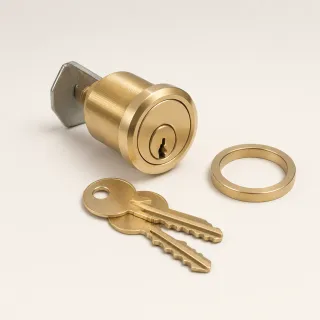
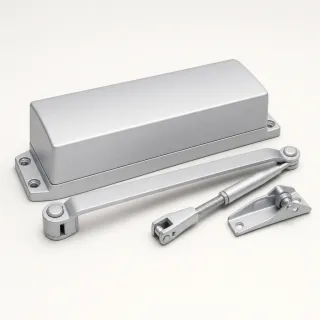
Keep deadbolts, smart locks, cylinders, key blanks, and labor in one Price Book with price, cost, and photo, so every tech quotes the same current price from the van.
Learn more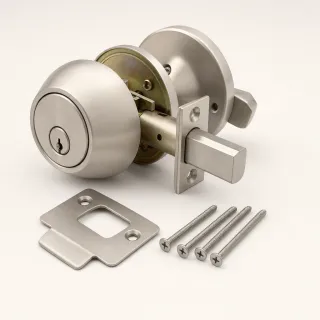
Automate your admin work
Reminders, follow-ups, and review requests go out on their own, so the office stops chasing and the calendar stays full.
Learn moreEvery door checked to the same standard
Build your home and storefront security assessments once in E-Sign Docs, attach them to the job, and required fields make sure no door gets skipped. Techs snap strike, frame, and hardware photos from the Genaya app straight onto the appointment, and the customer signs the finished report.
Learn more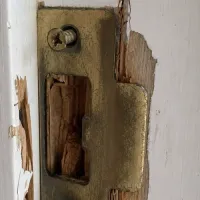
Boost your average job size
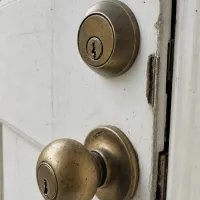
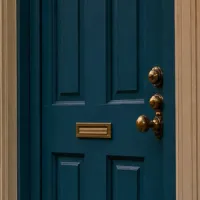
Turn what the door check finds into a signed upgrade estimate before you leave. Pull the deadbolts, smart locks, and per-cylinder rekey lines from your Price Book, keep the door photos on the job, and let the customer approve and sign on the spot.
Learn more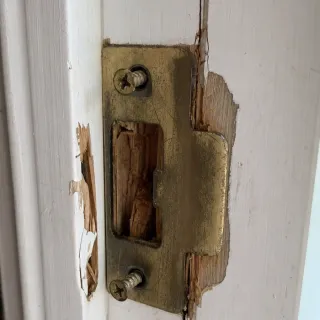
Easily manage big commercial jobs
Master key systems and building-wide hardware changes rarely fit in one visit. Book one appointment that spans the whole job, keep the crew and the cylinders on it, and let a payment schedule collect the deposit up front and charge the balance when the work is done.
Learn more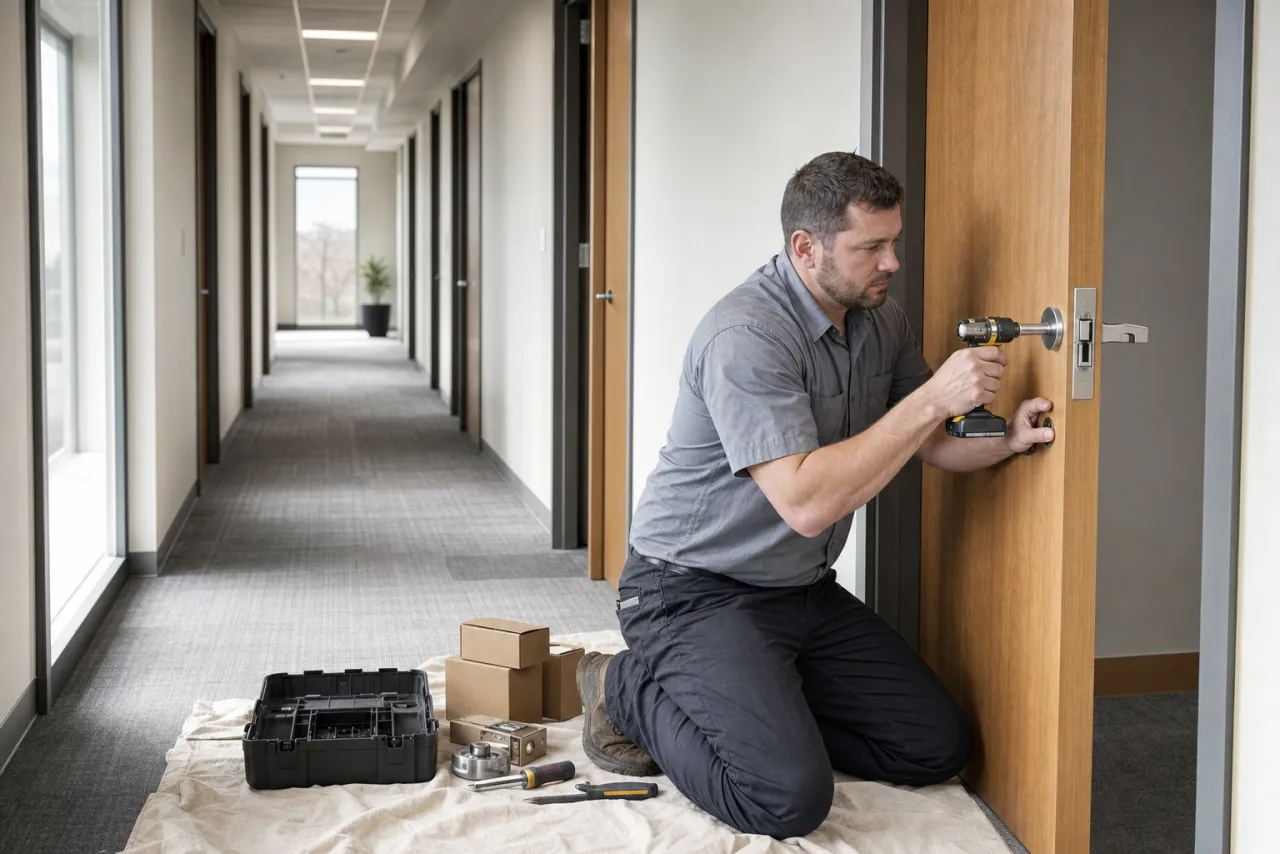
Let homeowners pay over time
A $1,640 whole-house security upgrade is an easier yes in monthly payments. When financing is turned on for your account, homeowners can apply to pay a bigger invoice over time right from the payment page. You are paid the full amount the same way a card payment pays out, and each lender makes its own approval decision.


Every call and text on the client's record
Calls, texts, and web chats land in one inbox tied to the client and the job, so the office always has the full history. When every line is busy with lockouts, the AI Receptionist answers, checks real availability, and books a confirmed slot.
Learn more
Run your operation on Genaya
Try Genaya free for 14 days
No credit card needed. Bring your clients over and run your first day on Genaya.
Friday, and the lockout calls start early.
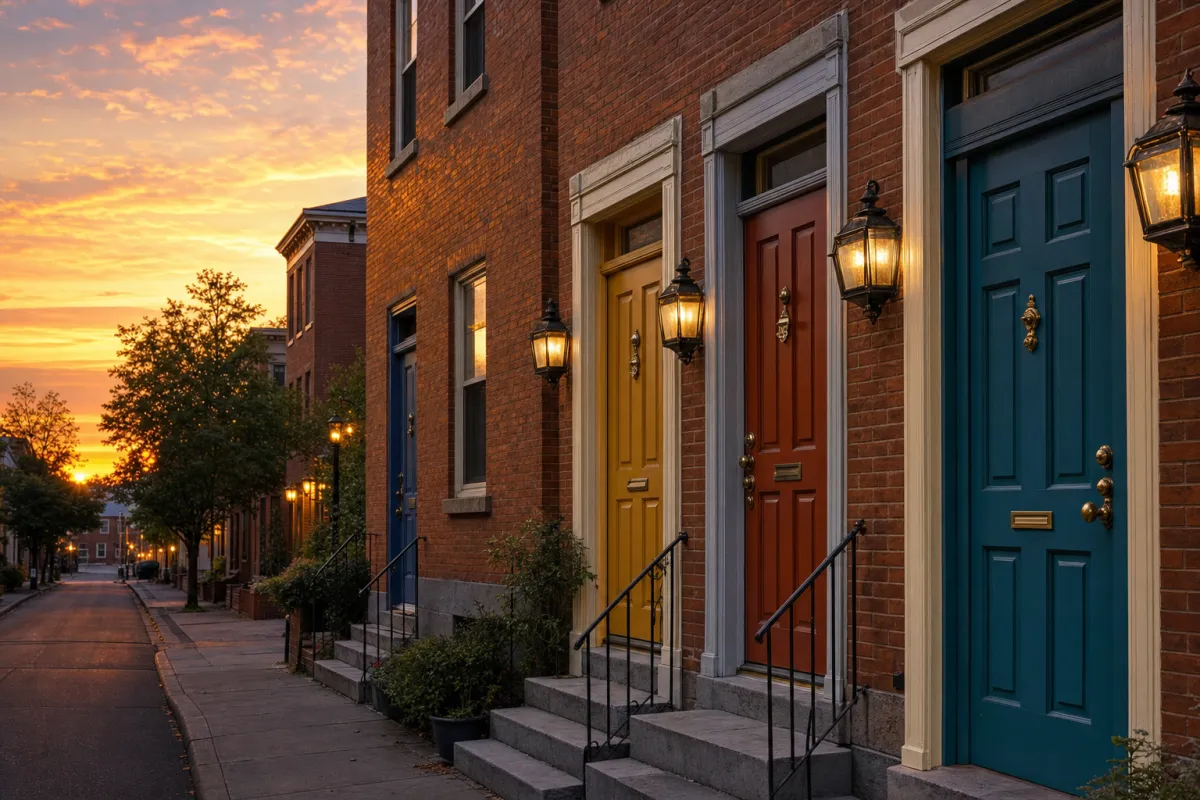
One busy Friday, from first lockout to final dollar
Follow a single Friday at a locksmith company that runs on Genaya. Every moment below is the same platform and the same record - no tool switches, no re-typing.
A lockout call comes in
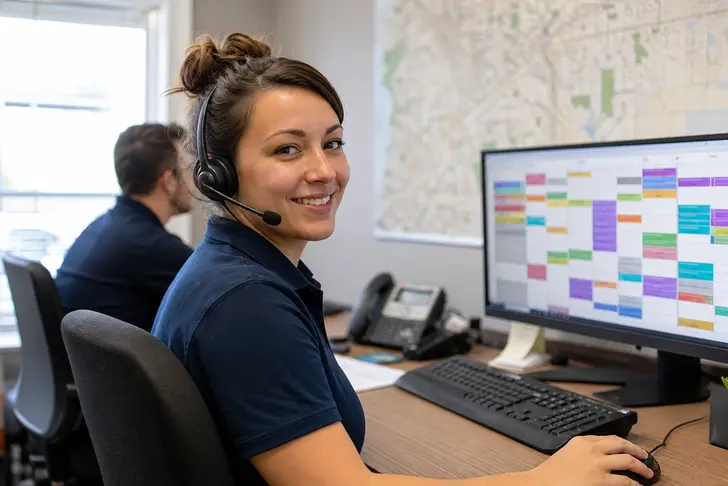
Leah moved into her new house last week. She stepped out with the dog, the door latched behind her, and the keys are on the kitchen counter. Genaya rings the desk with the caller on screen - and when every line is busy, the AI receptionist answers, books the first opening, and logs the job.
The Friday board fills
The morning queue drops onto the board. The 7:42 lockout slots in first, the property manager's turnover rekey keeps its 10:00 window, and every tech sees the same list before the vans leave the shop.
Back inside, then every door checked
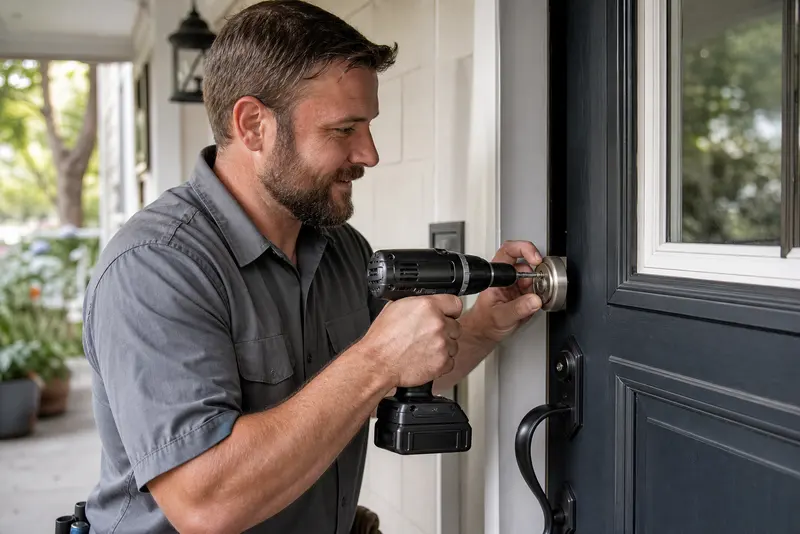
Marco checks in from the driveway - Leah already got the on-our-way text automatically. He confirms her ID matches the address, has her inside in minutes without a mark on the door, then walks every exterior door with her: split strike jambs, short screws, a deadbolt that never fully throws. Every photo lands on the job record.
The finding becomes an estimate
Marco builds the estimate at the kitchen island with the door photos right there on the tablet. Leah sees the split frame for herself, approves new deadbolts, a keypad lock, frame reinforcement, and a rekey so no old key still works, and signs with a finger - the upgrade is authorized before the coffee cools.
Invoice out, paid in minutes
The new locks are in and every key works. The approved estimate becomes the invoice with one tap - same record, same amount. The pay link lands by text and the card clears while Marco is still loading the van.
The review lands
Closing the job fires the review request automatically, while the new keys are still on the counter. Five stars hit your profile before dinner - nobody had to remember to ask.
The owner sees the whole day
Vans parked, books closed. The dashboard shows what a busy Friday actually did - every lockout, rekey, install, dollar, and rating on one screen, with Monday's installs already on the board.
Built for the crews that keep homes running

See your own day on Genaya
Book a demo and we will walk through your calls, schedule, estimates, and payments, or start free today.
Locksmith questions, answered
The short version of what locksmith owners ask before they switch to Genaya.
Genaya runs the whole job in one platform: calls and texts, the schedule and dispatch board, estimates and invoices, payments, automations, and reporting. A lockout call, the door photos, the signed upgrade estimate, and the payment all stay on the same client record.
Yes. Calls ring your team with the caller's record on screen, and the optional AI Receptionist answers when every line is busy. It checks real availability on your calendar and books a confirmed appointment, or captures the lead for the office to call back.
Yes. From the Genaya mobile app, a tech takes photos straight onto the appointment's attachments, so the split jamb or worn strike plate behind an upgrade estimate stays on the record with the job.
Build the estimate from your Price Book - deadbolts, smart locks, cylinders, key blanks, labor, and a per-cylinder rekey line - and the customer approves it with a signature, on your tablet or from the link you send. An approved estimate becomes the invoice without re-typing a line.
Yes, when financing is turned on for your account. Customers can apply to pay a larger invoice over time from the payment page with Affirm, Klarna, Afterpay, or Sunbit, and each lender decides its own approvals and amount limits.
Yes. Build a lockout authorization form once in E-Sign Docs - name, address, and an ID-checked box as required fields - and the customer signs it before the tech starts, so every entry has a signed record behind it.
Build your security assessment once in E-Sign Docs and attach it to the appointment; required fields keep every door, strike, and lock check filled in. The customer signs the finished report, and it stays on the job record.
Yes. Genaya imports clients and jobs from CSV or Excel files and from many field-service tools, so you do not start from an empty book.
Your locksmiths do the work.Genaya handles the rest.
The AI Receptionist answers every lockout call, the board stays full from the first emergency to the last install, and the invoice goes out before the van leaves the curb. One platform for the office, the van, and everything in between.